Simulation options
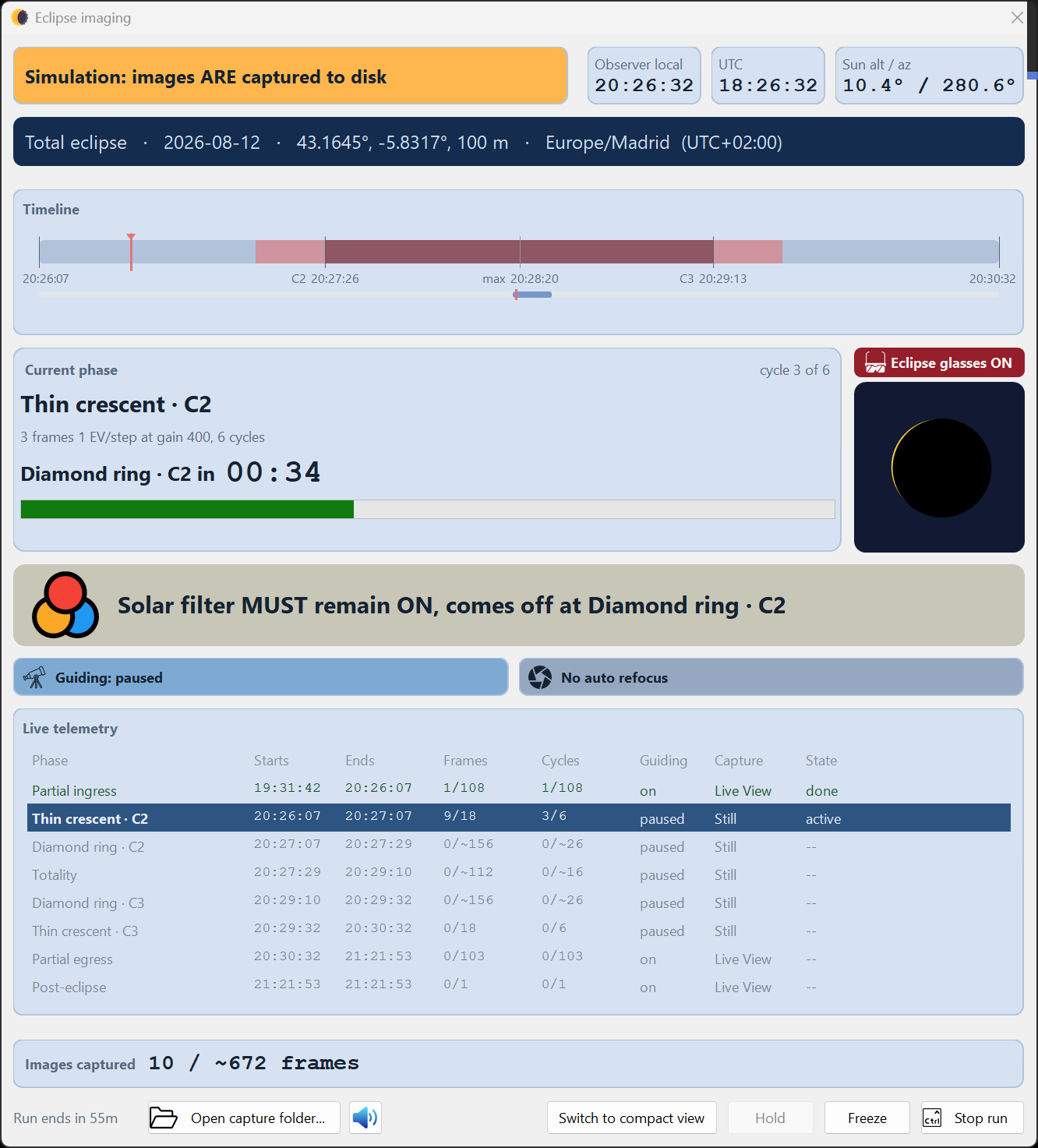
Rehearsal is the whole point. HelioMaker can run the sequence without a real eclipse, from a timing rehearsal to a synthetic capture that exercises the HelioMaker capture path.
Choose the imaging source
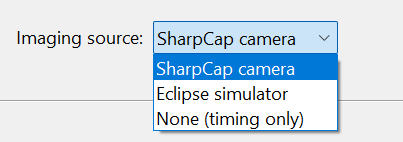
The key control is the Imaging source: dropdown. It decides what the run captures from:
| Imaging source | What it does | Use it for |
|---|---|---|
| SharpCap camera | Captures from your real camera through SharpCap Pro. This is the true "wet" path, including the SharpCap agent, HDR, capture format, file naming and latency. Use it with the suitably filtered real Sun to test the complete camera path. | Real capture; the most faithful rehearsal of the SharpCap chain. |
| Eclipse simulator | HelioMaker renders synthetic eclipse frames internally and writes them as if captured, bypassing SharpCap. This provides a self contained "wet" rehearsal. | Fast iteration; exercising the capture/timing path without SharpCap or a camera. |
| None (timing only) | No capture at all. In this "dry" run, the clock advances through the phases and the cues and refocus schedule fire, but no frames are taken. | Learning the console, cues and filter change timing. |
Time compression & start point
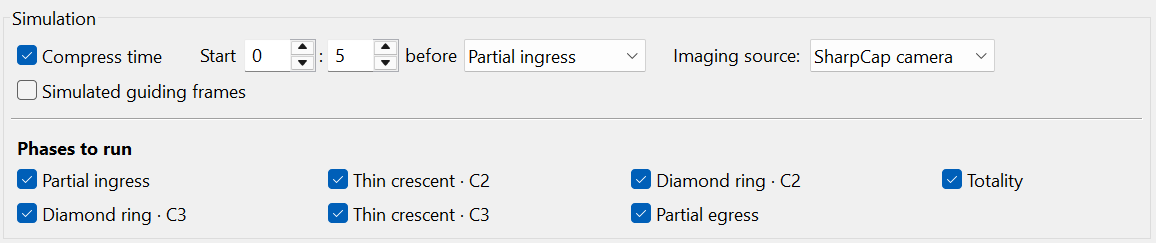
Rehearsals don't have to run in real time. In the Simulation options:
- Compress time speeds the run up so you can rehearse the whole event, or just the critical minutes, without waiting hours.
- A start control (Start … before <phase>) lets you begin the rehearsal a set time before a chosen phase, so you can jump straight to practising the C2 diamond ring transition instead of sitting through the partials every time.
- The planner's footer has an Eclipse plan rehearsal... button to launch a simulated run directly (the live run is started by the Start eclipse imaging button).
Future SharpCap simulation path (DirectShow)
The internal Eclipse simulator is quick but bypasses SharpCap. To rehearse the real SharpCap path without an eclipse, HelioMaker's rendered frames can be fed into a DirectShow virtual camera that SharpCap sees as an ordinary camera. This would allow the SharpCap agent, HDR bracketing, capture format and file naming to run against synthetic content. You would then choose SharpCap camera as the imaging source.
A sensible rehearsal ladder
- None (timing only): learn the flow, cues and refocus timing.
- Eclipse simulator: confirm capture, cadence, filenames and disk usage within HelioMaker. A simulated run now makes the same shutter sounds as a real one, paced by the plan's own cadence, so this step rehearses what eclipse day will sound like as well as what it will look like.
- Filtered real Sun on an ordinary day: validate the actual SharpCap camera path, Sun detection, partial phase behavior, guiding and focus.
Repeat, with Compress time on, until nothing about the run is unfamiliar. → The run console